About
Tools that save you time, and show their work.
We build everyday apps with AI inside. Each one takes busywork off your plate and shows you where every answer came from. Clario is the first.


An EMIAC product
Clario is our first app
-
21
releases since 28 Aug 2026, every one with notes. Read them →
-
2
platforms: Macs with Apple silicon, and Windows.
-
0
recordings sent to a transcription service. Speech is written down on your own computer.
Five rules
What we hold ourselves to.
A rule that costs nothing is only a preference. Open any of these for what it costs us.
Every note shows its source.
A point in the notes has a play button that opens the recording where it was said. An answer to your question cites the meetings it came from.
What it costs us Where Clario can’t place the moment, the line gets no button. We leave it bare rather than guess.
The heavy work runs on your computer.
The speech model ships inside the app, so transcription needs no connection and there is no bill per minute. What does leave your computer is listed on the privacy page.
What it costs us A large download, 197 MB on a Mac, and Macs older than Apple silicon can’t run it.
You choose the AI, and pay it directly.
Summaries and questions use your ChatGPT plan or an API key you bring. Clario adds nothing on top.
What it costs us If your provider is down or out of credit, there is no summary. Clario tells you, and never switches to another AI behind your back.
When something fails, Clario says so.
A recording that didn’t save or a summary that didn’t send shows as an error that names what happened. Nothing is covered with a placeholder.
What it costs us You will see error messages that other apps would hide.
The version you have keeps working.
When we change our servers, we write the change so the Clario already on your computer keeps working. We don’t cut off a version people still use.
What it costs us Old routes stay running on our servers until no installed app needs them.
How we work
How Clario gets made.
Four habits, in the order a change meets them.
-

01
Planned in writing
Larger features start as a written plan: what they must do, and how we will know they work.
-

02
Checked by someone who did not write it
Changes are read by a reviewer with no stake in them, who looks for what the tests miss.
-
03
Looked at, not just tested
Passing tests are not proof. We run the app and look at the screen.
-
04
Released with notes, including what broke
No version ships without notes in plain words, and they say what went wrong.
In use
What people use it for.
Three of the jobs Clario was made for.
-
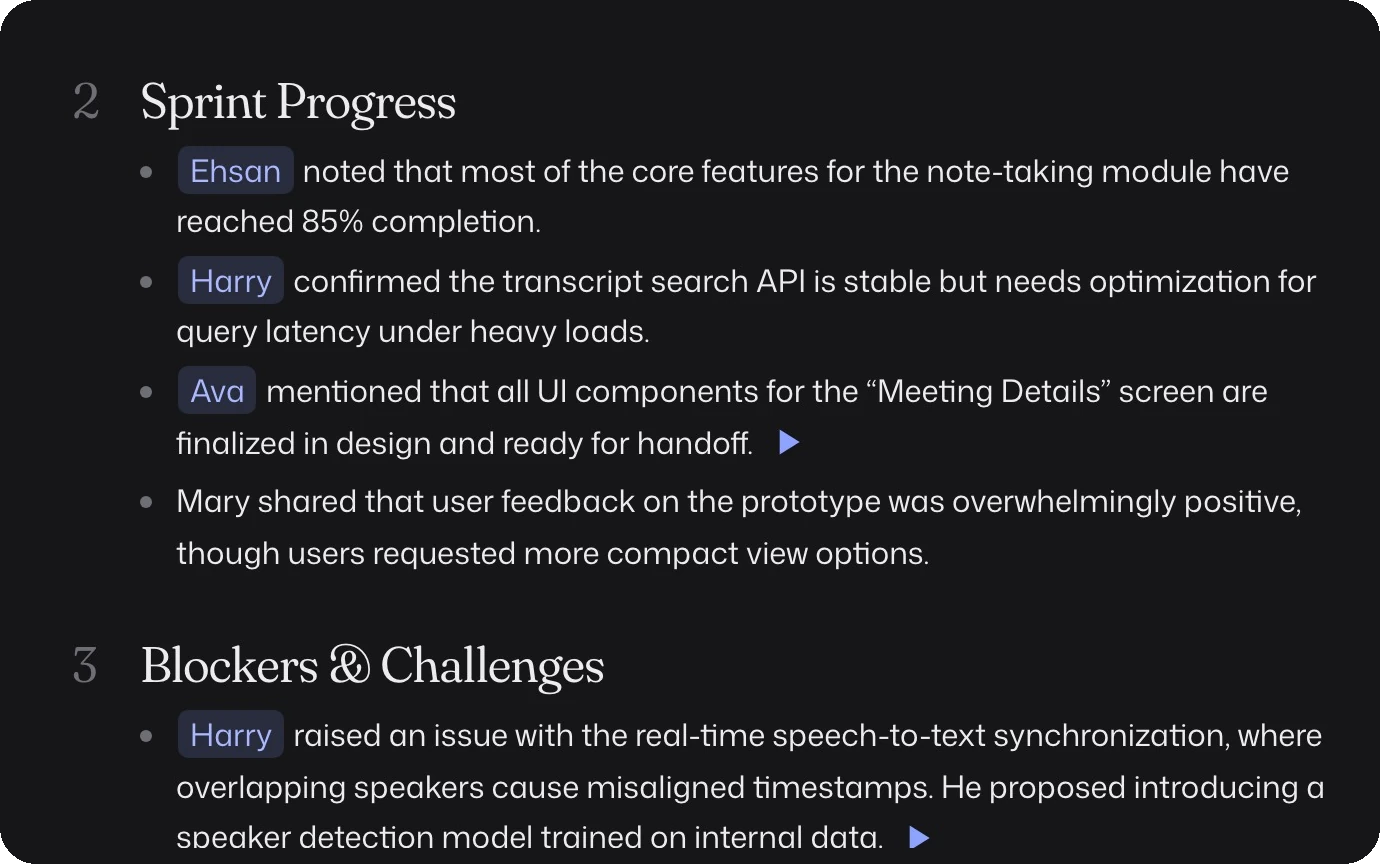
Decisions captured without a note-taker
A weekly leadership meeting, minuted on the laptop, each decision linked to the moment it was made.
-
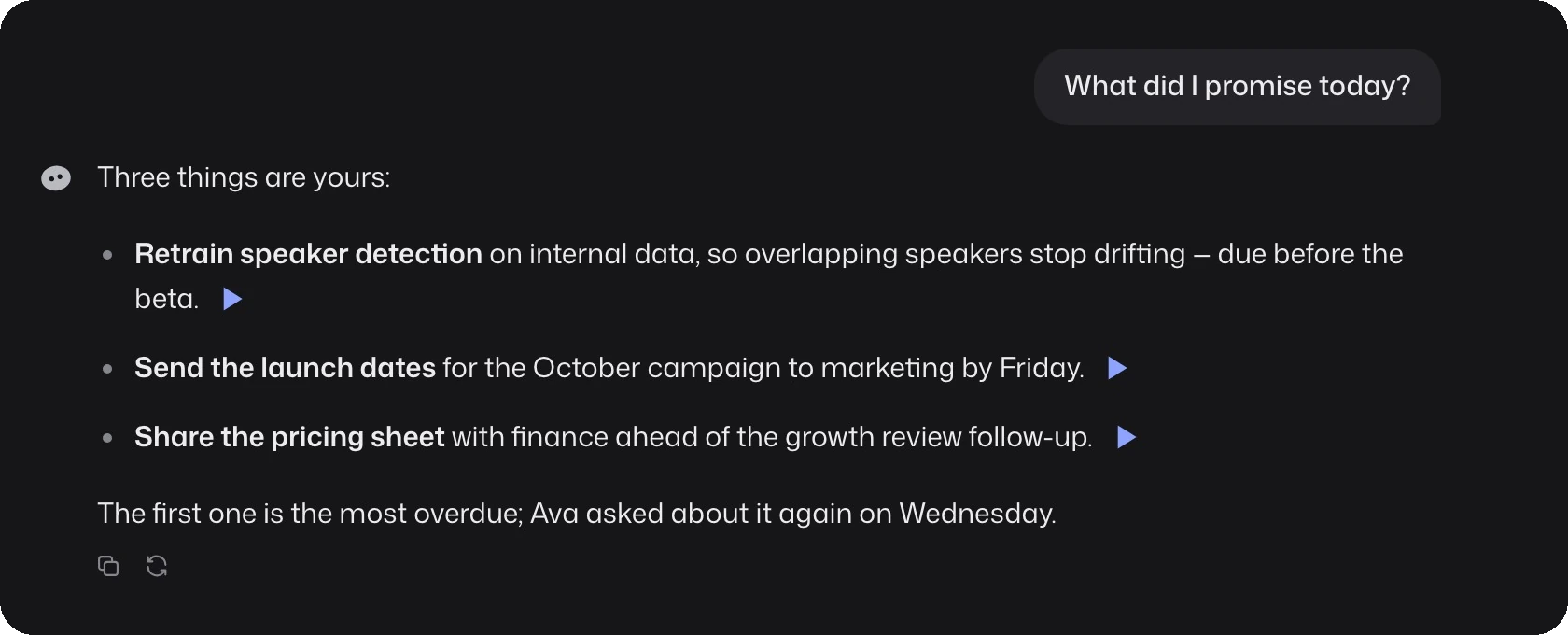
Last quarter’s meetings, searchable
Ask what was promised to a client, and get the meeting and the minute it was said.
-
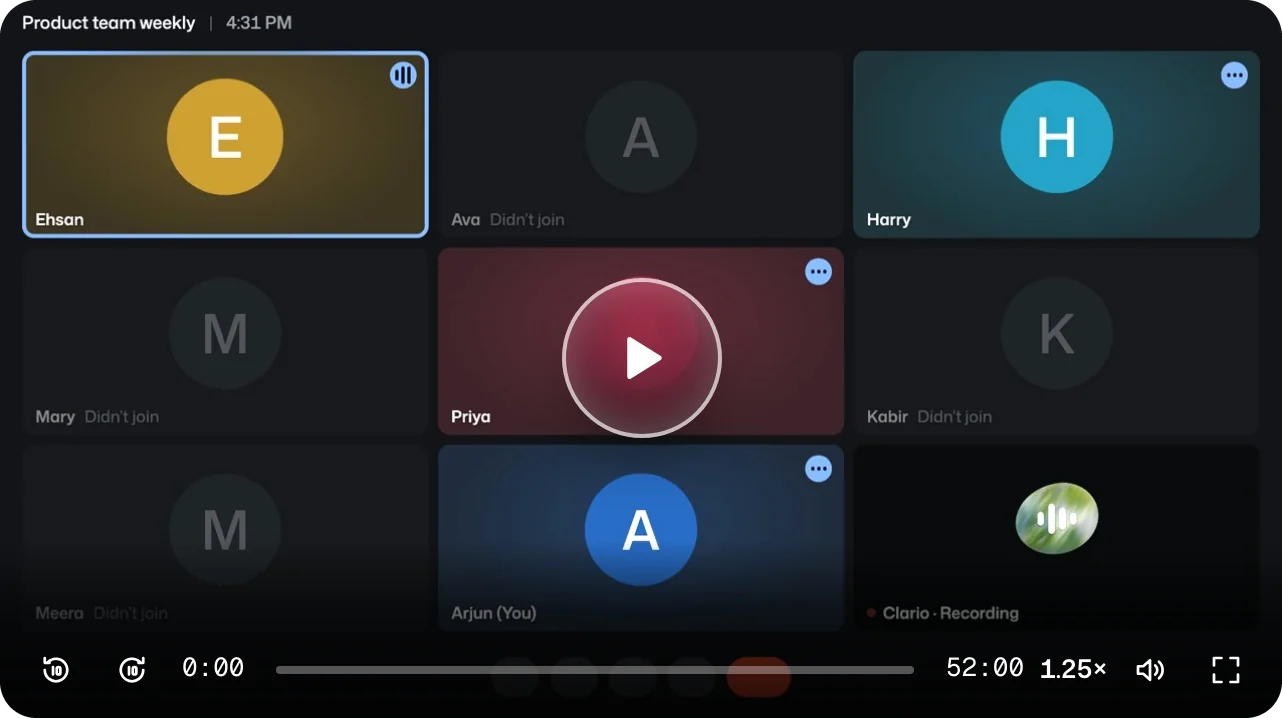
A lecture or webinar, kept
An hour of video turned into the parts you need, each one playable from its moment.
Try Clario on your next meeting.
Free to download, and it shows its work.
Photographs on this page are stock images from Pexels.